

How do I set the timer on a digital air fryer?
Dec 10, 2025
Leave a message
Hey there! I'm a supplier of digital air fryers, and I know that setting the timer on these nifty gadgets can sometimes be a bit confusing. But don't worry, I'm here to break it down for you in a super easy way.
First off, let's talk about why setting the timer on your digital air fryer is so important. Timing is crucial when it comes to cooking with an air fryer. You want to make sure your food is cooked to perfection - not undercooked and raw in the middle, and definitely not overcooked and burnt. A well - set timer ensures that your fries are crispy on the outside and fluffy on the inside, your chicken wings are juicy and have that delicious golden crust, and your veggies are tender but still have a bit of a crunch.
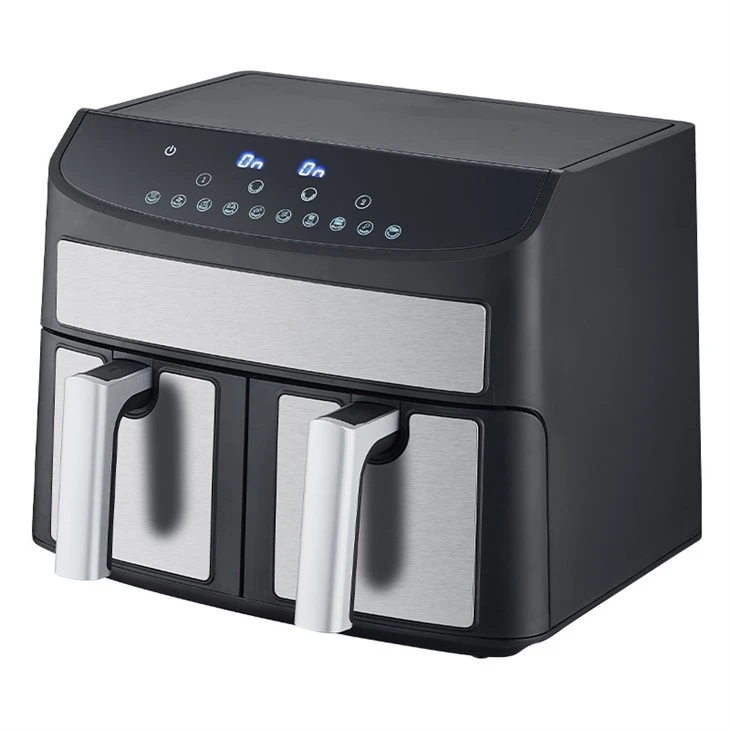
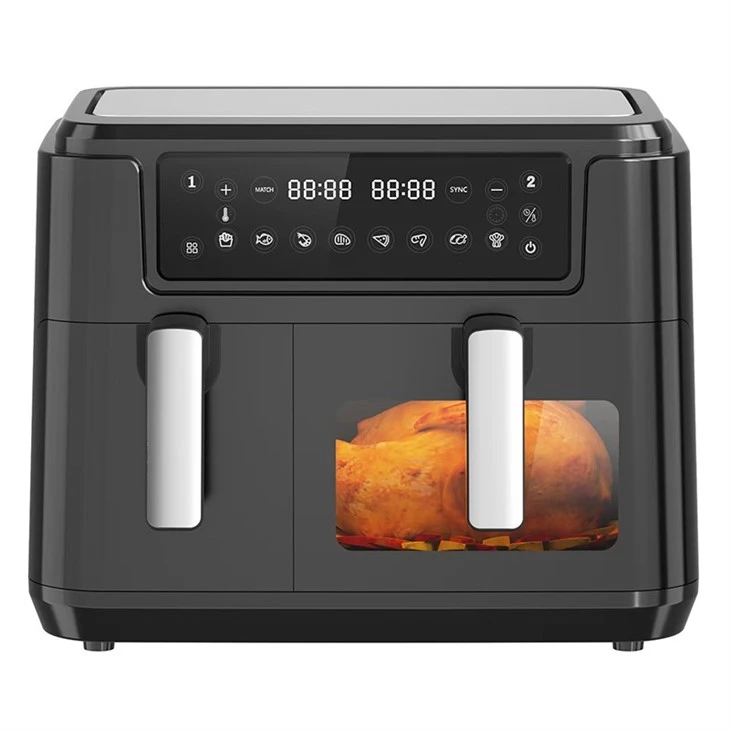
Now, different digital air fryers might have slightly different ways of setting the timer, but the basic principles are pretty much the same. Most digital air fryers come with a control panel that has a timer function. It could be a set of buttons or a touch - screen interface.
Let's start with the button - based control panels. Usually, you'll see a button labeled "Timer" or something similar. Press this button to activate the timer - setting mode. Once you've pressed it, the display will start blinking, indicating that you can now set the time.
To increase or decrease the time, there are usually "Up" and "Down" buttons. If you're making a small batch of fries, you might only need to set the timer for 10 - 15 minutes. So, you'd press the "Timer" button, then use the "Up" or "Down" buttons to adjust the time to your desired length. For example, if you want to cook for 12 minutes, you keep pressing the "Up" button until the display shows "12:00".
Some air fryers also have a "Preset" button. This is really handy because it has pre - programmed times for different types of food. For instance, if you're cooking chicken nuggets, you can press the "Preset" button and then select the "Chicken Nuggets" option. The air fryer will automatically set the timer to the recommended cooking time.
Now, let's move on to touch - screen control panels. These are becoming more and more popular because they're often more intuitive. On a touch - screen air fryer, you'll usually see an icon of a clock or a timer. Tap on this icon to start setting the timer.
Once you've tapped on the timer icon, a number pad will appear on the screen. You can simply use your finger to enter the time you want. Say you're making a batch of onion rings and you know they need 18 minutes to cook. You just tap the numbers "1", "8", and then "00" on the number pad.
Another cool feature of some touch - screen air fryers is the ability to set multiple timers. This is great if you're cooking different types of food at the same time. For example, you can set one timer for your fries and another for your chicken wings.
Now, I want to mention a few things to keep in mind when setting the timer. First, always refer to the user manual that came with your air fryer. The manual will have specific instructions for your model and might also have some tips on the best cooking times for different foods.
Second, remember that the cooking time can vary depending on the quantity of food you're cooking. If you're making a large batch of food, you might need to increase the cooking time a bit. And if you're using frozen food, it will usually take longer to cook than fresh food.
Let's talk about some of the air fryers we offer as a supplier. We have a great Double Basket Air Fryer. This air fryer is amazing because it has two separate baskets, so you can cook two different types of food at the same time. Setting the timer on this air fryer is a breeze. It has a user - friendly control panel with clear buttons for setting the timer for each basket independently.
Our 10L Digital Dual Air Fryer is another great option. With its large capacity, it's perfect for families or for when you're having a party. The touch - screen interface makes it really easy to set the timer. You can even customize the cooking time based on your preferences.
And then there's our 12l Smart Digital Air Fryer. This air fryer is packed with features. It has a smart timer that can adjust the cooking time based on the weight of the food you're cooking. You just place your food in the basket, and the air fryer will calculate the optimal cooking time for you.
In conclusion, setting the timer on a digital air fryer is not as complicated as it might seem at first. Whether you have a button - based or touch - screen control panel, with a little practice, you'll be a pro at it in no time. And if you're in the market for a new digital air fryer, we've got some great options for you.
If you're interested in purchasing our digital air fryers in bulk for your business or just want to learn more about our products, feel free to reach out. We're always happy to have a chat and discuss your needs.
References
- Air Fryer User Manuals
- Cooking Guides for Air Fryers